
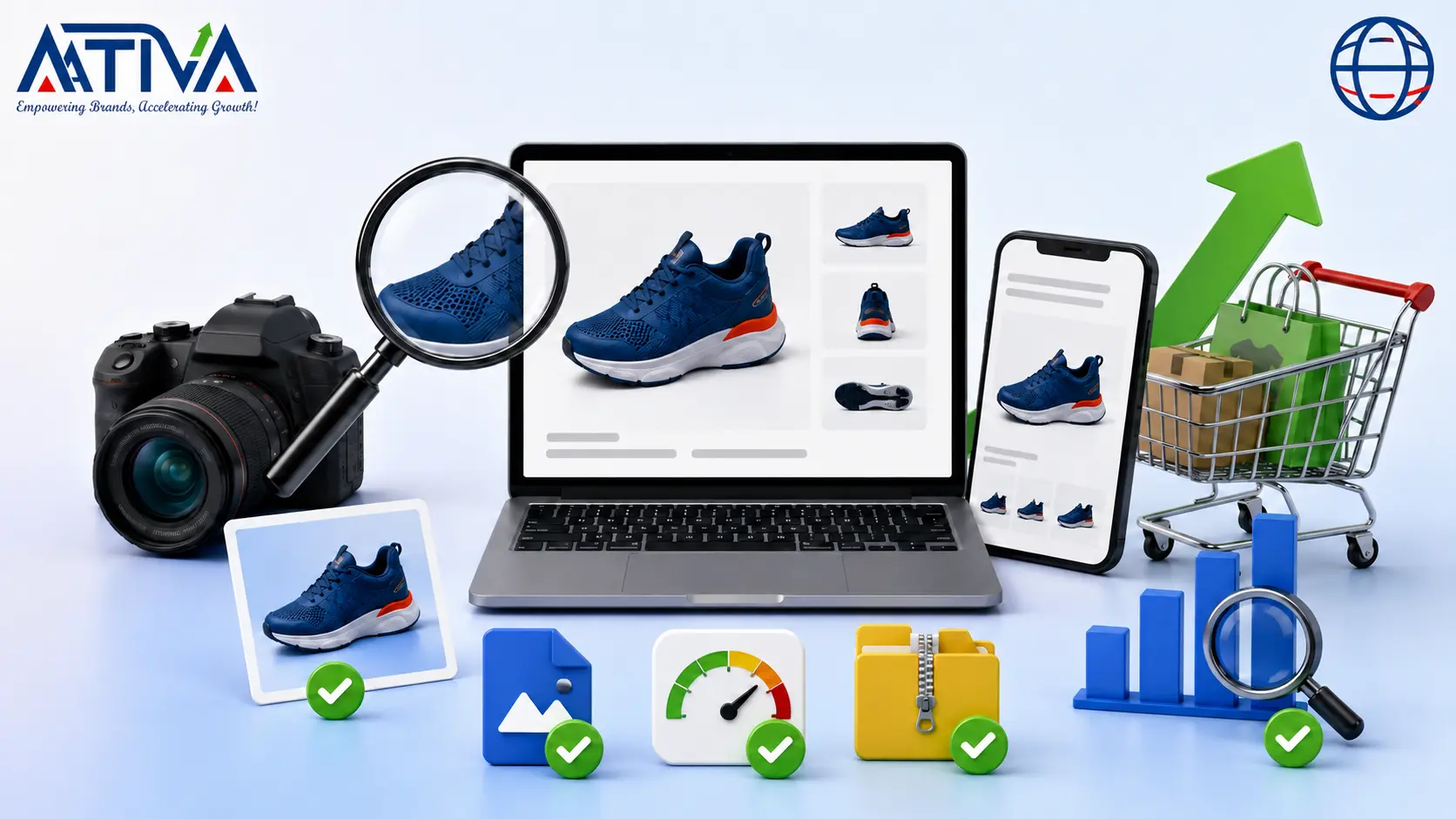





Product Image SEO for eCommerce- Improve Visibility, Speed and Conversions
Image SEO for online stores is the practice of optimizing product photos — filenames, alt text, file size, format, and structured data — so Google can find them, rank them in Image Search, and load them fast enough to keep shoppers on the page. Get these fundamentals right and product images stop being “just visuals” and start working as a real acquisition channel, pulling in visitors who never typed your brand name into Google.
Most store owners treat product photography as a design task. It isn’t. Every image you upload is a piece of content Google has to interpret — and if it can’t understand what’s in the picture, it can’t send that image (or the page it sits on) any traffic. This guide walks through exactly how to fix that, in the order you should actually do it.

Why Product Image SEO Deserves Its Own Strategy
eCommerce is one of the few industries where visual search behavior is huge. Shoppers browse Google Images, Pinterest, and visual search tools before they ever land on a product page. If your images aren’t optimized, you’re invisible in a discovery channel your competitors are already capturing.
Beyond visibility, image optimization for online stores solves three problems at once:
People search Google Images and Pinterest before they even visit a store. If your photos are not optimized, you lose that traffic to competitors. Good image SEO helps in 3 simple ways:
- Easy to find — clear file names and alt text help Google match your photos to real searches
- Fast pages — heavy images slow down your site, and slow sites lose customers
- Better access — good alt text helps screen readers, which also builds trust with Google
Treat image SEO as part of the product-upload workflow, not a cleanup job you do “later.” Later rarely comes.
1. Use Simple, Clear File Names
A name like IMG20260304.jpg means nothing to Google. Rename every photo before upload.
Easy formula: brand-product-color-angle.webp
Example: nike-white-running-shoes-side.webp
Tips:
- Use hyphens between words, not spaces or underscores
- Start with the product name
- Add one useful detail like color or size
- Don’t stuff in too many keywords — one clear name works best
2. Write Real Alt Text for Every Photo
Alt text tells Google (and blind users) what’s in the picture. Most stores either skip it or copy the same line on every image — both are mistakes.
Bad: shoes Good: White running shoes with mesh top
For a photo gallery, write a different line for each image:
- Front view: Blue rain jacket, front view
- Close-up: Zip pockets on blue rain jacket
- Lifestyle: Man wearing blue rain jacket outdoors
Skip alt text only for design elements that don’t show any product, like a plain line or background pattern.
3. Use the Right Image Format
| Format | When to use |
|---|---|
| WebP | Best default for most product photos |
| AVIF | Smaller size, but test it first |
| JPEG | Backup option if WebP isn’t supported |
| PNG | Only for logos or transparent images |
WebP is the easiest win. Switch your main product photos to WebP this week.
4. Compress Photos Before Uploading
Big files make your store slow. Before uploading:
- Crop extra empty space
- Resize to the size it will actually show on the page
- Convert to WebP
- Compress with a free tool (like TinyPNG or Squoosh)
- Check it still looks sharp on a phone
Don’t just aim for one fixed size like “under 100KB” — check how the real page looks and loads.
5. Let Images Resize for Mobile
Phones don’t need giant desktop-size images. Use srcset so the browser picks the right size on its own, and always add width and height so the page doesn’t jump around while loading.
6. Lazy-Load the Right Images
- Don’t lazy-load the first/main image on the page
- Do lazy-load photos further down — extra product shots, “you may also like,” blog images
Loading the main image fast helps your page feel quick. Delaying the rest also helps speed.
7. Add Product Schema (Structured Data)
This is code that tells Google exactly what your image shows — product name, brand, and price — instead of letting it guess. Make sure the image links in your schema actually load and match the real photo on the page.
8. Make Sure Google Can Actually See Your Images
Quick check:
- Image links load properly (no errors)
- Nothing is blocked in robots.txt
- Images aren’t hidden behind a login
- Search Console shows no image errors
Quick Checklist Before You Publish
- File name describes the product
- Every image has its own alt text
- Image looks sharp, not oversized
- File is WebP (or AVIF, tested)
- Responsive sizes are set up
- Main image loads right away
- Other images are lazy-loaded
- Width and height are set
- Product schema is added and correct
- No image errors in Search Console
- Page loads fast on mobile
How to Optimize Images for SEO on Shopify
Since this is one of the most searched long-tail queries in this space, here’s the platform-specific version:
- Rename and compress images locally before uploading — don’t rely on Shopify to fix a bad source file.
- Write alt text manually inside the product editor; Shopify does not generate meaningful alt text automatically.
- Check the auto-generated image sitemap in Search Console rather than assuming it’s flawless.
- Use a compression app only as a backup — pre-optimized uploads always perform better than after-the-fact fixes.
- Test each product template on PageSpeed Insights after theme changes, since themes frequently reintroduce oversized images.
FAQs- Product Image SEO for Online Stores
What is image SEO for online stores?
It’s the process of optimizing product images — through filenames, alt text, compression, format choice, responsive delivery, structured data, and sitemaps — so search engines can index them and pages load quickly.
What is the best image format for eCommerce?
WebP is the safest default for most stores today. AVIF can shrink files further but should be tested against your specific platform and browser support before a full rollout.
Does image SEO actually improve Google rankings?
It improves how easily Google can discover, understand, and surface your images — which supports visibility in Image Search and contributes to overall page performance. It isn’t a guaranteed ranking factor on its own, but it removes friction that otherwise holds pages back.
Should every product image have alt text?
Yes, for every image that carries product information. Purely decorative elements can use an empty alt attribute instead.
Should the main product image be lazy-loaded?
No. Lazy-load everything below the initial viewport, but load the primary image immediately.
How many images does a product page need?
There’s no fixed number. Include enough angles, detail shots, and lifestyle images to answer a shopper’s real questions — quality and relevance matter more than quantity.