
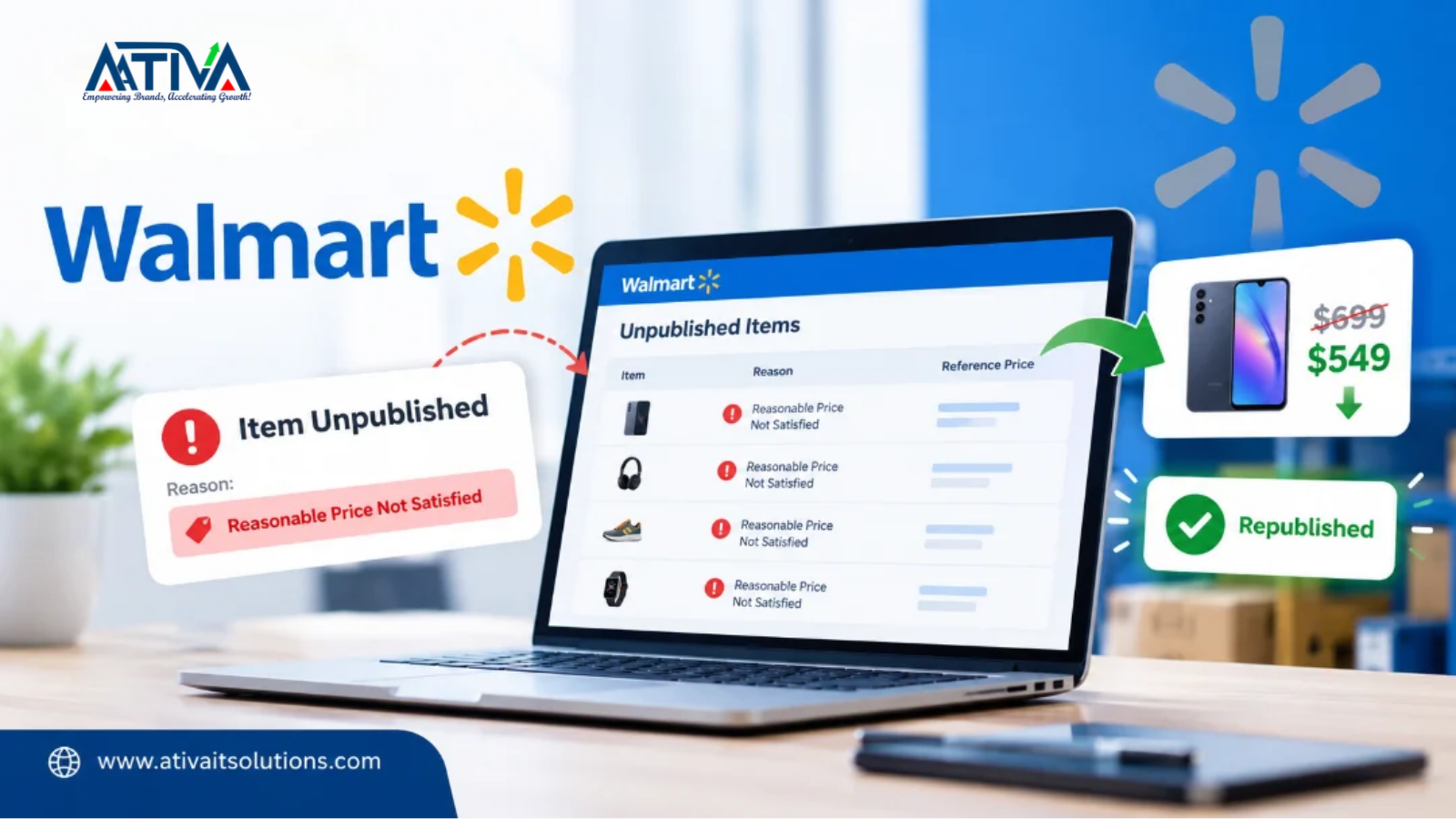





How to fix Walmart item unpublished for Pricing
If Walmart unpublished your item and Seller Center shows the reason “Reasonable Price Not Satisfied,” Walmart’s automated Pricing Rule decided your price is far higher than what the same item sells for on Walmart.com or on a competing site. To fix it, open the Unpublished Items dashboard, compare your price to the Reference price shown there, lower your price until it falls in line, and wait for Walmart to republish the offer, which typically takes up to 48 hours.
This guide explains what each pricing-related status means, how to find affected items, how to fix each one, and how to stop it from happening again.
In this guide:
- What Walmart’s Pricing Rule does
- The four pricing problems and what they mean
- How to find affected items
- How to fix each one, step by step
- Why Amazon sellers get caught
- A prevention checklist
- FAQ
What Walmart’s Pricing Rule does
Walmart runs automated rules that remove offers it considers so uncompetitive or unfair that they could harm shoppers. The Pricing Rule checks your listing price and your shipping fee. It unpublishes an offer when the price is egregiously higher than what the same item currently or recently sold for on Walmart.com or a competing website, or when the price looks like price gouging or another abusive practice.
This is not only an annoyance. Walmart states that ignoring its pricing rules or other retailer policies can lead to account suspension or termination, so treat repeated flags as a warning.
The four pricing problems and what they mean
| What you see | What it means | What happens to the listing |
|---|---|---|
| Reasonable Price Not Satisfied | Your price is egregiously higher than the market price | Offer is unpublished |
| Egregious shipping cost | Your shipping fee is extremely high compared with the item price | Offer can be unpublished or lose Buy Box eligibility |
| Buy Box ineligible (Buy Box eligible = “No” in the Item Report) | Your price is substantially higher than the market, but not high enough to unpublish | Add to Cart button and your price and shipping details are removed from the item page |
| Pricing Error | Your price looks mistakenly too low | Offer is unpublished to protect you and the customer |
When the Add to Cart button is removed, shoppers can still buy your item through the More Seller Options flow, so you may lose sales gradually instead of all at once. That makes the Buy Box version easy to miss.
How to find affected items
- Check your notifications. If you subscribed to Seller Center notifications, Walmart emails you and alerts you inside Seller Center.
- Open the Unpublished Items dashboard in Seller Center. It lists each affected item with the reason and a Reference price.
- Download an Item Report. Look for the reason code and the “Buy Box eligible” column. A “No” means the item has lost Buy Box eligibility.
Make this a weekly habit. The dashboard is the fastest way to catch a problem before it costs you a week of sales.
How to fix each problem
Fixing “Reasonable Price Not Satisfied”
- Open the item in the Unpublished Items dashboard and note the Reference price.
- Update your price to a competitive level. Walmart builds the Reference price from competitor website prices, your item’s historical selling price, the Buy Box winner price, the average offer price, and Walmart’s own e-commerce and store prices.
- Wait for Walmart to republish. It republishes automatically once the item fits the rules, typically within about 48 hours.
- If the item stays unpublished after you lower the price, keep adjusting until it no longer violates the rule.
If competitor or Walmart.com prices rise and your price now fits, Walmart can also republish the offer on its own.
Fixing “Egregious shipping cost”
Open your Shipping Template and lower the shipping fee so it is more reasonable relative to the item price. Walmart measures shipping against item price. After the fee is back in an acceptable range, the offer is republished automatically, typically within about 48 hours. Two limits to remember: if you try to enter a shipping cost above the allowed limit, the upload is rejected and your account may be suspended, and each Shipping Template allows only 10 shipping cost edits per day before it locks for 24 hours.
Fixing Buy Box ineligibility
Download the Item Report to find the affected items, then bring your price closer to the current Walmart.com and competitor prices. Once your offer is no longer far above the market, it can regain Buy Box eligibility.
Fixing “Pricing Error”
If Walmart unpublished your item because the price looks too low, use the Reference price as a guide and raise your price until it complies. The offer is typically republished within about 48 hours. If the low price is intentional, contact Seller Support through the Help button in Seller Center and send documents showing the price is deliberate and complies with the rules. Walmart reviews these requests at its own discretion, so reinstatement is not guaranteed.
Why Amazon and multichannel sellers get caught
Walmart looks at prices on competing websites, not only on Walmart.com. If you run an Amazon promotion, a Shopify sale, or a Prime Day deal and leave your Walmart price unchanged, your Walmart price can suddenly look far too high. The result is an unpublished offer or a missing Add to Cart button during your busiest sales days.
If Walmart matched your item to the wrong product and the market price is calculated incorrectly, Walmart has a process for submitting an external price match and reporting an incorrect match. Check Walmart’s “Submit an external price match” guide in Marketplace Learn.
Prevention checklist
These steps are our recommendations, not Walmart rules:
- Keep one pricing calendar for every channel you sell on.
- Set a minimum price floor per SKU so promotions never push prices below profit.
- Plan Walmart price changes before you launch an Amazon or website sale.
- Consider Walmart’s Repricer, which can adjust prices automatically.
- Review the Unpublished Items dashboard every week.
- Keep shipping fees reasonable compared with item prices.
- Subscribe to Seller Center notifications so you hear about flags quickly.
FAQs- Walmart Item Unpublished for Pricing
1.How long does it take Walmart to republish my item?
Typically up to 48 hours after the item fits the pricing rules, whether you change the price or the market price changes.
2.What is the Reference price?
It is Walmart’s estimate of a competitive price for the item, shown on the Unpublished Items dashboard. Walmart calculates it from competitor prices, historical selling price, Buy Box winner price, average offer price, and Walmart e-commerce and store prices.
3.Can this lead to account suspension?
Walmart says failing to follow its pricing rules or retailer policies can result in suspension or termination. Fix flagged items quickly and avoid repeating the same mistake.
4.Why was my listing unpublished when another seller has the same price?
Walmart’s system evaluates each offer against its own reference data, including your listing price and shipping fee. Your offer’s combined price and shipping can fail the check even when another seller’s does not. If you think the item was matched incorrectly, use the external price match process.
5.Does a lower price always fix it?
Usually, but check your shipping fee too. Walmart reviews both the listing price and shipping fee, and a low price with extremely high shipping can still be flagged.