



Pinterest Marketing for eCommerce USA 2026 — Drive Traffic Without Spending on Ads
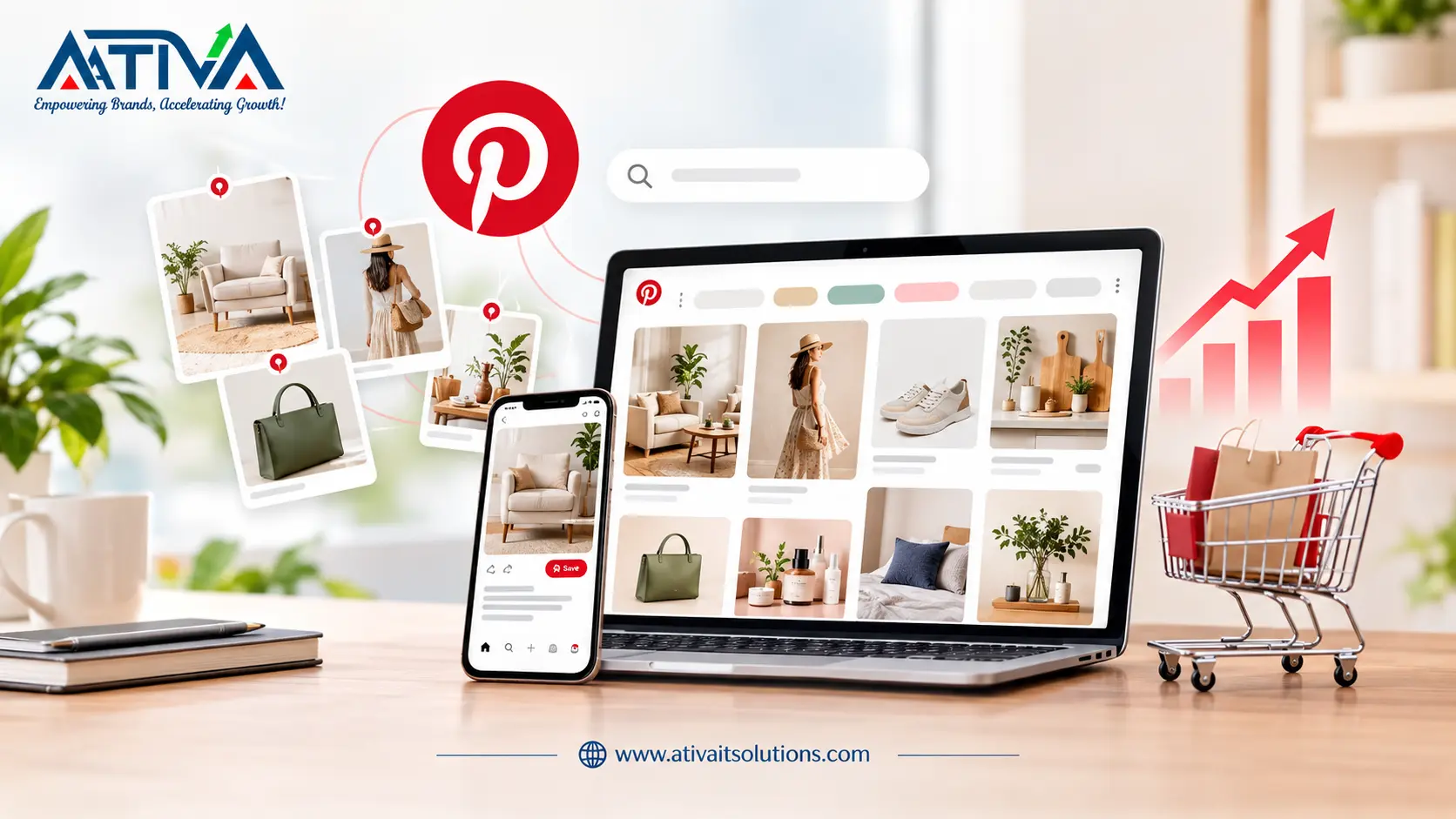
Pinterest marketing for eCommerce is the strategy of using Pinterest’s visual search engine to drive consistent, long-term organic traffic to your online store — without paying for ads. Unlike Instagram or TikTok where content disappears within hours, a single Pinterest Pin can drive website traffic for months or even years after it is published, making it the highest-ROI free traffic channel available to USA eCommerce brands in 2026.
Here is a fact that most eCommerce brands overlook: Pinterest is not a social media platform. It is a visual search engine — and it works more like Google than Instagram.
When someone searches ‘boho living room decor’ or ‘gifts for men under $50’ on Pinterest, they are not browsing to pass time. They are in discovery mode, actively looking for products to buy.
In 2026, 85% of weekly Pinterest users have made a purchase based on a Pin they saw on the platform.
And here is the part that makes Pinterest uniquely powerful for eCommerce: your Pins are indexed and searchable forever. A Pin you publish today can still be driving traffic to your Shopify store two years from now. No other free channel does that.
Why Pinterest Is the Most Underused Free Traffic Channel for USA eCommerce in 2026
Most eCommerce brands are not on Pinterest. Or they have an account with 12 boards and no strategy. That is exactly why it is such a high opportunity — the competition is thin compared to Instagram, TikTok, and Google SEO, but the buyer intent is just as strong.
Why does Pinterest work for eCommerce?
Pinterest users search with purchase intent. They are planning purchases — home decor, fashion, gifts, fitness, recipes — not just consuming content for entertainment.
The platform’s evergreen nature means Pins compound in value over time. Organic traffic from Pinterest costs nothing per click and does not stop when a budget runs out.
The numbers back this up. Pinterest drives an average order value of $50 — higher than Facebook and Instagram. The platform has 522 million monthly active users globally, with USA users accounting for the highest-income demographic on any social platform. And 97% of searches on Pinterest are unbranded — meaning people are searching for products, not specific brand names. That is a massive opportunity for any store to show up.
Pinterest SEO — The Foundation of Free Traffic in 2026
Pinterest functions like a search engine, which means Pinterest SEO is the single most important skill for driving organic traffic from the platform. When a user searches for a term, Pinterest’s algorithm decides which Pins to show based on keyword relevance, Pin quality, and account authority.
How to Do Pinterest Keyword Research
Pinterest has its own built-in keyword research tool — it is just hidden in plain sight. Type any keyword into the Pinterest search bar and look at the colored category tiles that appear below it. These are Pinterest’s most-searched related terms for that keyword.
- Search your main product category — e.g., ‘home office furniture’
- Screenshot the colored tiles — these are your primary keyword variations
- Use Pinterest Trends (trends.pinterest.com) to find keywords with rising search volume
- Look at competitor boards in your niche — their board titles and descriptions reveal what keywords they are targeting
Where to Place Keywords on Pinterest
Once you have your keywords, they need to go in five specific places to maximize your reach:
- Profile name and bio — your account name should include your primary keyword, e.g., ‘Ativa | eCommerce Marketing USA’
- Board titles — be specific and keyword-rich: ‘Modern Home Office Decor Ideas USA’ not just ‘Home Office’
- Board descriptions — write 2-3 sentences naturally using your target keywords
- Pin titles — front-load your primary keyword in the first 3-4 words
- Pin descriptions — write 150-300 words using your keyword cluster naturally, with a clear call to action
5 Pinterest Strategies That Drive eCommerce Traffic in 2026
-
Enable Rich Pins for Your Store
Rich Pins automatically pull real-time product information from your website — including price, availability, and product name — directly onto each Pin. When a product goes on sale, Rich Pins update automatically. When it goes out of stock, the Pin reflects that too.
Rich Pins remove friction from the discovery-to-purchase path and consistently outperform standard Pins in click-through rate. Setup takes 15 minutes via Pinterest’s developer documentation and works natively with Shopify and WooCommerce.
-
Set Up Pinterest Shop and Product Catalogues
Pinterest Shop allows you to upload your entire product catalog so every product becomes a shoppable Pin with a direct checkout link. In 2026, Pinterest’s native shopping features have expanded significantly — users can now shop directly from search results, Idea Pins, and the Today tab.
- Connect your Shopify or WooCommerce store via the Pinterest Sales Channel in your platform’s app store
- Upload your full product catalog — every product becomes a browsable, shoppable Pin
- Use Collections to group related products — ‘Summer Kitchen Essentials’ or ‘Home Office Under $200’
- Products tagged in Pins see 3x higher click-through rates than untagged Pins
-
Create Idea Pins — Pinterest’s Highest-Reach Format
Idea Pins (formerly Story Pins) are Pinterest’s multi-page video and image format. Unlike standard Pins, Idea Pins are distributed to non-followers through Pinterest’s home feed and are the primary organic reach driver for accounts in 2026.
Best-performing Idea Pin formats for eCommerce:
- Before and after: show a product transformation in 4-6 slides
- How-to content: ‘How to style this piece 3 ways’ — educational content that showcases products
- Unboxing and product walkthrough: builds purchase confidence before the click
- Seasonal collections: ‘Our top 5 picks for fall’ — timely content Pinterest actively promotes
-
Pin Consistently Using a Content Calendar
Pinterest rewards consistency more than volume. An account that pins 3-5 times per day consistently outperforms an account that pins 30 times in one day and then goes quiet for a week.
- Aim for 3-5 Pins per day — mix of your own content and repins from relevant accounts
- Use Tailwind (Pinterest’s official scheduling partner) to schedule Pins in advance and maintain consistency
- Pin your own content across multiple relevant boards — a kitchen product Pin can go on ‘Kitchen Decor,’ ‘Home Gifts,’ and ‘Apartment Essentials’ boards
- Refresh evergreen Pins every 3-4 months with a new image or updated description to reactivate their distribution
-
Build Seasonal and Trend Content 45 Days in Advance
Pinterest users plan ahead. They start searching for Christmas gifts in October, Valentine’s Day ideas in December, and back-to-school content in June. Pinterest’s own data confirms that trend-based searches peak on the platform 45 days before the actual event.
Publishing your seasonal content 45 days early gives your Pins time to build impressions and engagement before the search volume peaks — which is exactly when you want to be showing at the top of results.
What Makes Pinterest Different From Every Other Traffic Channel
Every other free traffic channel either decays quickly or requires constant feeding. Instagram posts get 24-48 hours of reach. TikTok videos fade in days. Blog posts take months to rank on Google and require significant technical SEO investment.
Pinterest Pins have an average lifespan of 3.5 months — and top-performing Pins continue driving traffic for years. A Pin published in September 2026 can still be appearing in Pinterest search results in 2028. The compound effect of publishing consistently means your Pinterest traffic grows month over month, not post by post.
For eCommerce brands looking for free, sustainable traffic that builds over time without ongoing ad spend, there is no better channel available in the USA market right now.